
01
Quotes
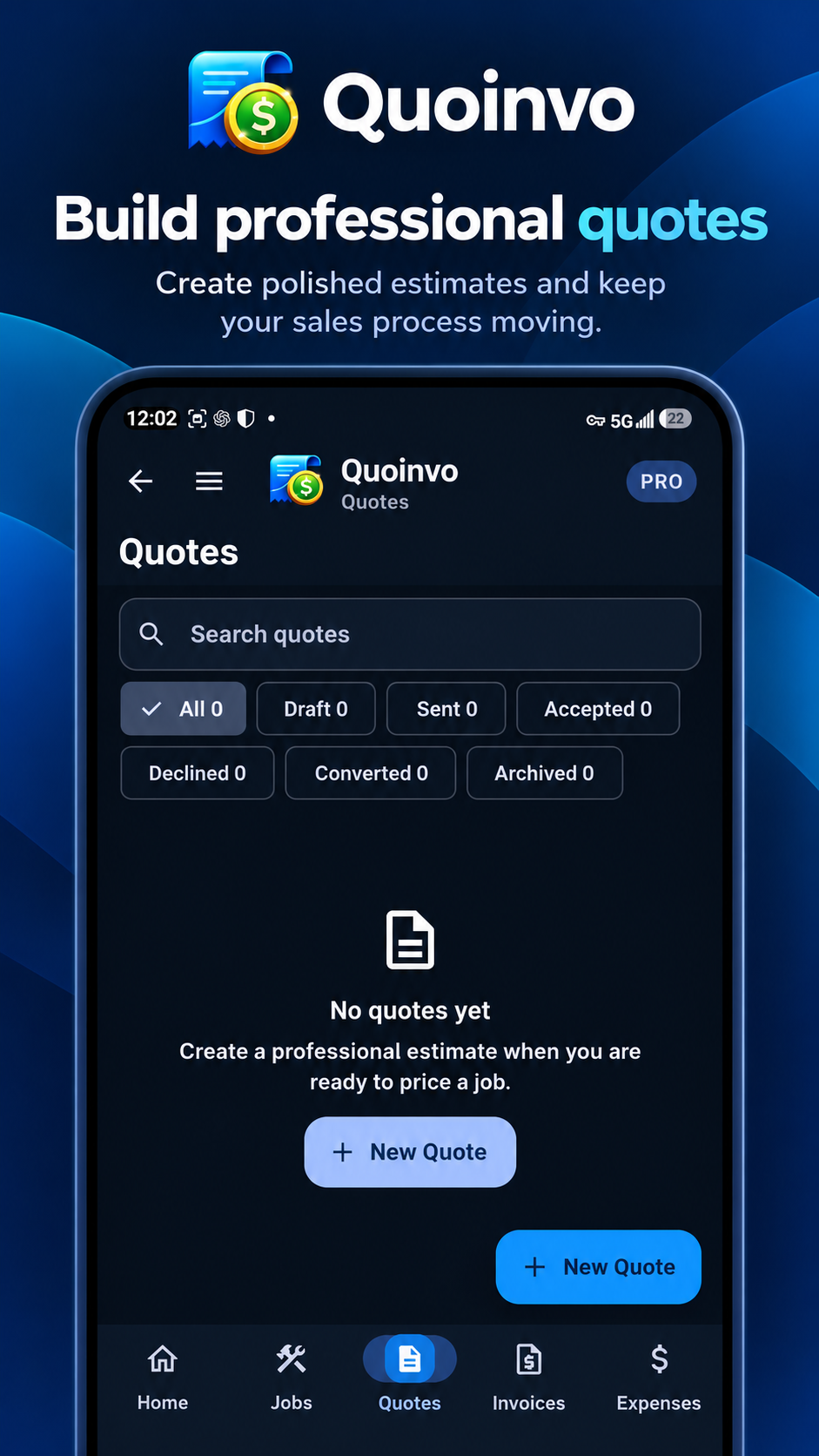
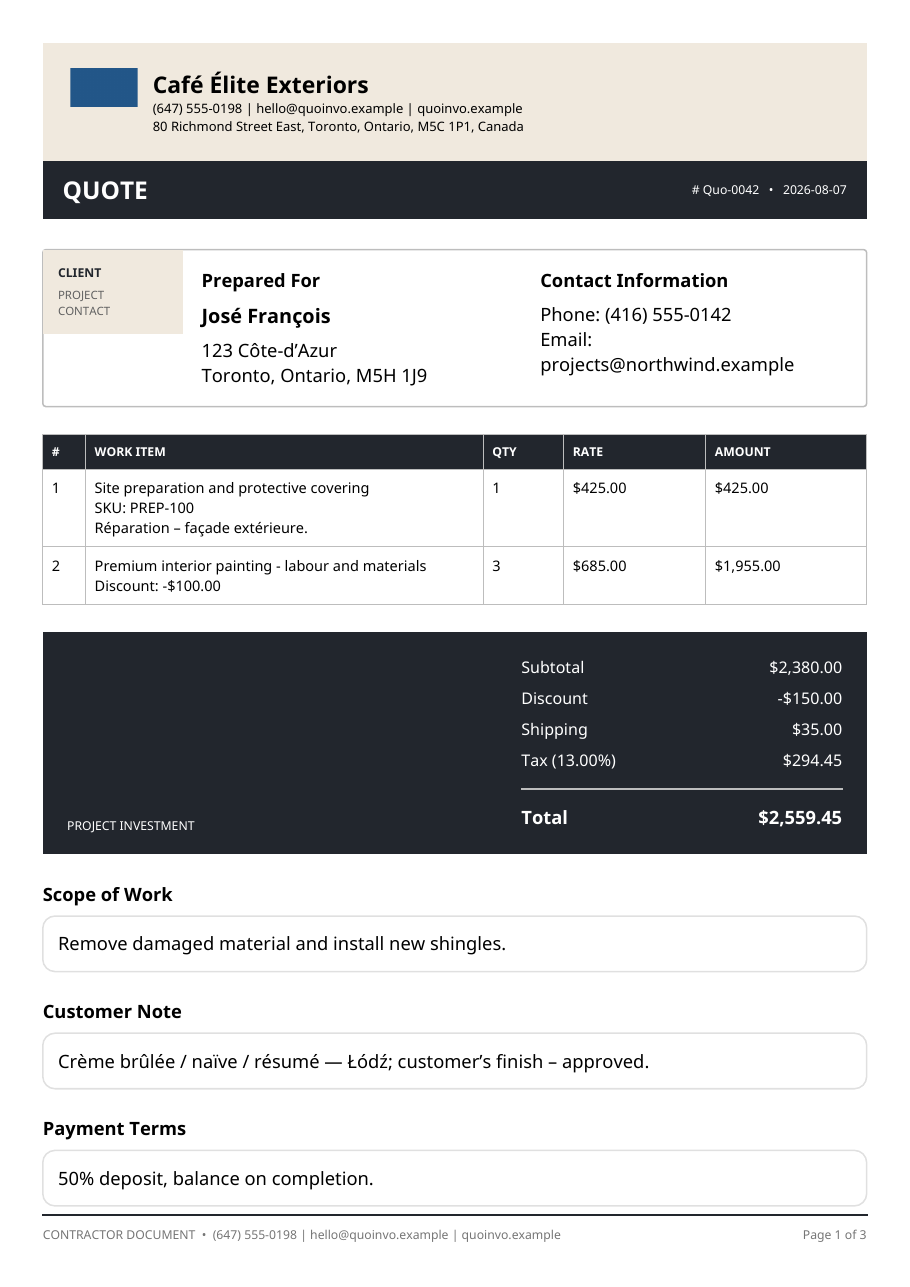
Create professional quotes quickly with customers, items, pricing, discounts, tax and shipping.
Android-first contractor business app
Quoinvo is an Android-first contractor quoting, invoicing and job-management app. Create quotes and invoices, organize jobs, record expenses and payments, and understand the money moving through your business—without complicated accounting software.
Google Play availability will be announced when the public release begins.
One connected workflow
Core Quoinvo tools
Use the parts of Quoinvo you need without turning your day into an accounting project.
Create professional quotes quickly with customers, items, pricing, discounts, tax and shipping.
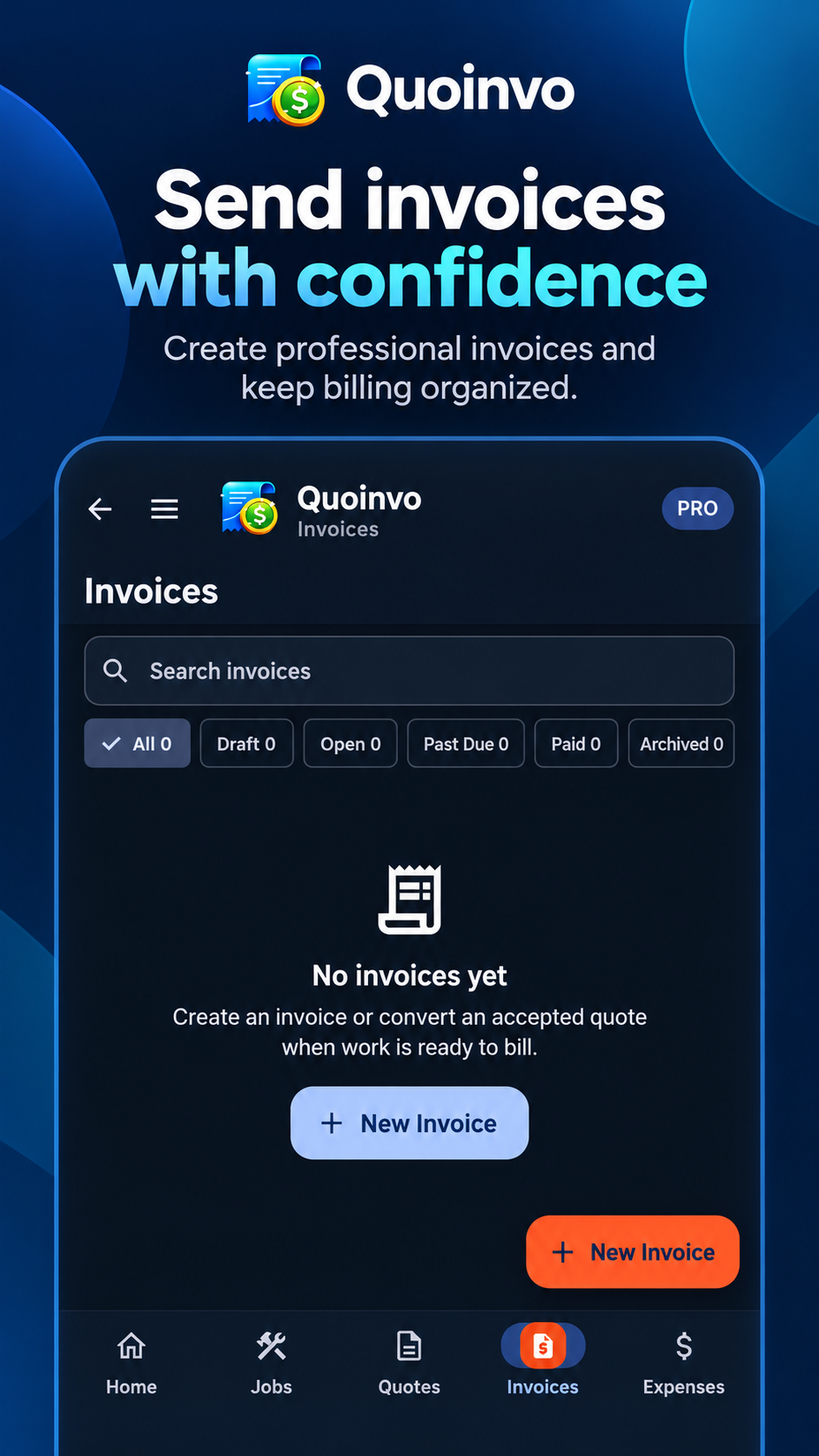
Turn work into professional invoices and keep payment status and outstanding balances clear.
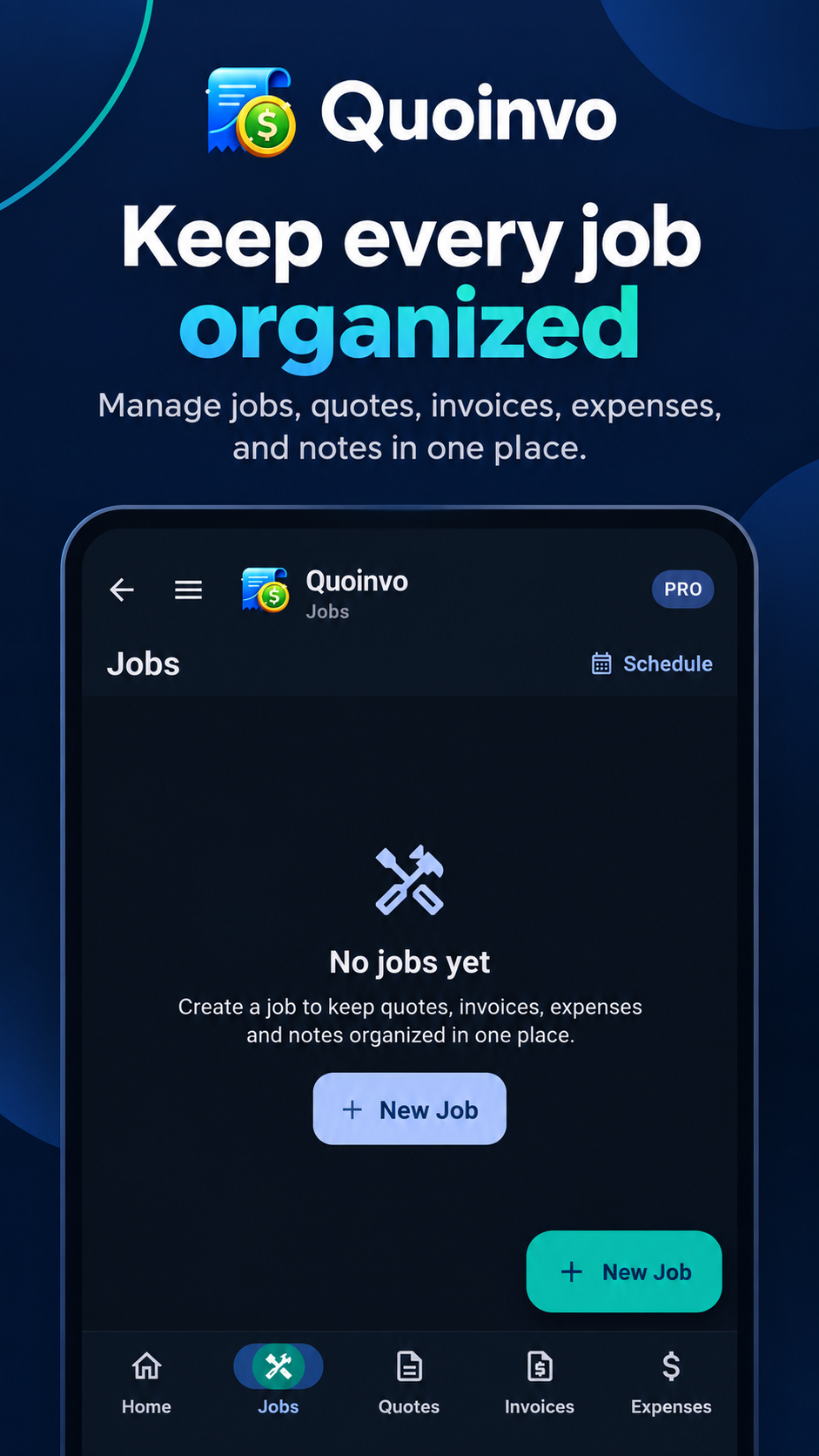
Keep related quotes, invoices and expenses organized around the job they belong to.
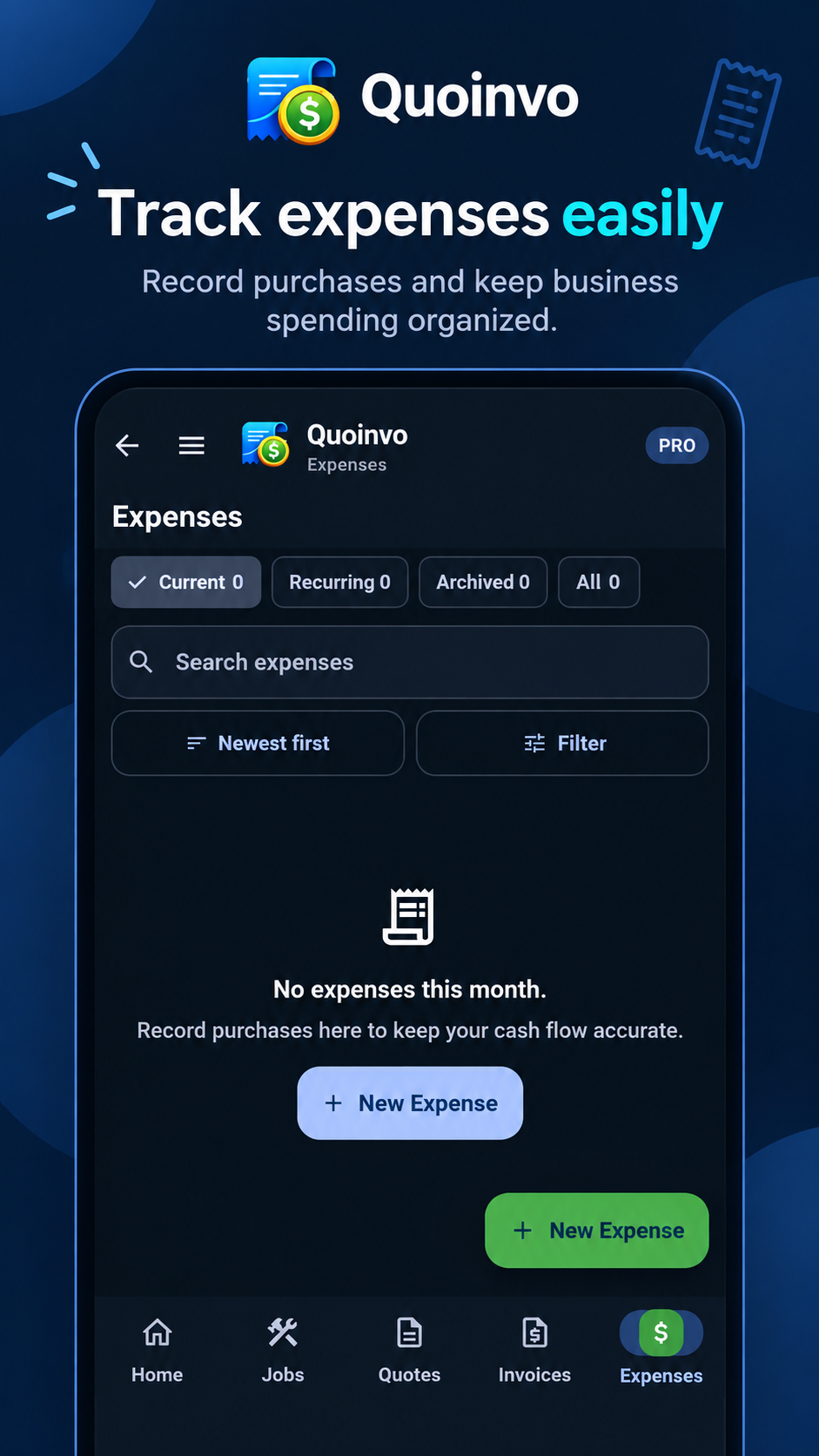
Record business spending, useful details and optional job links in one place.
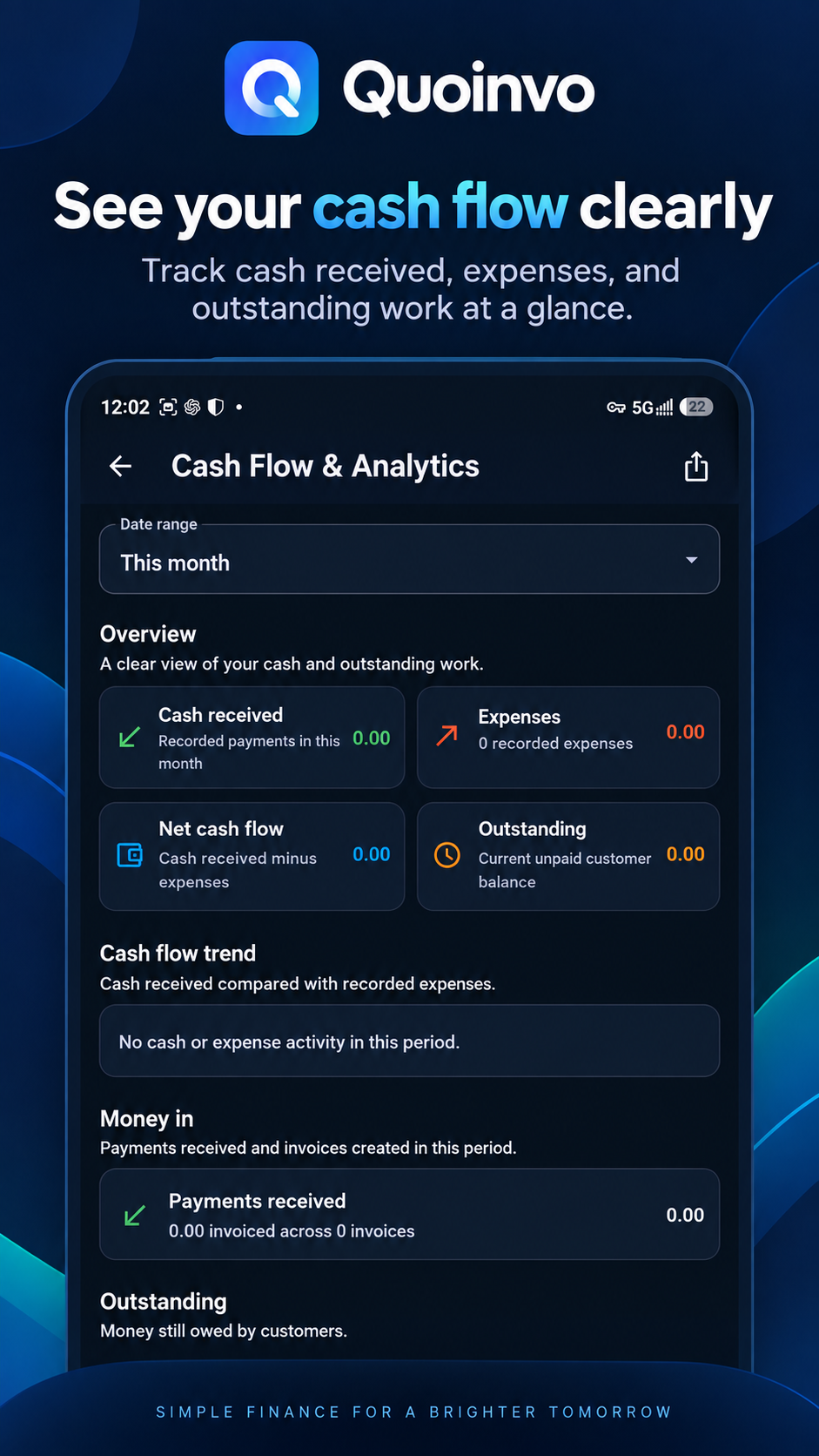
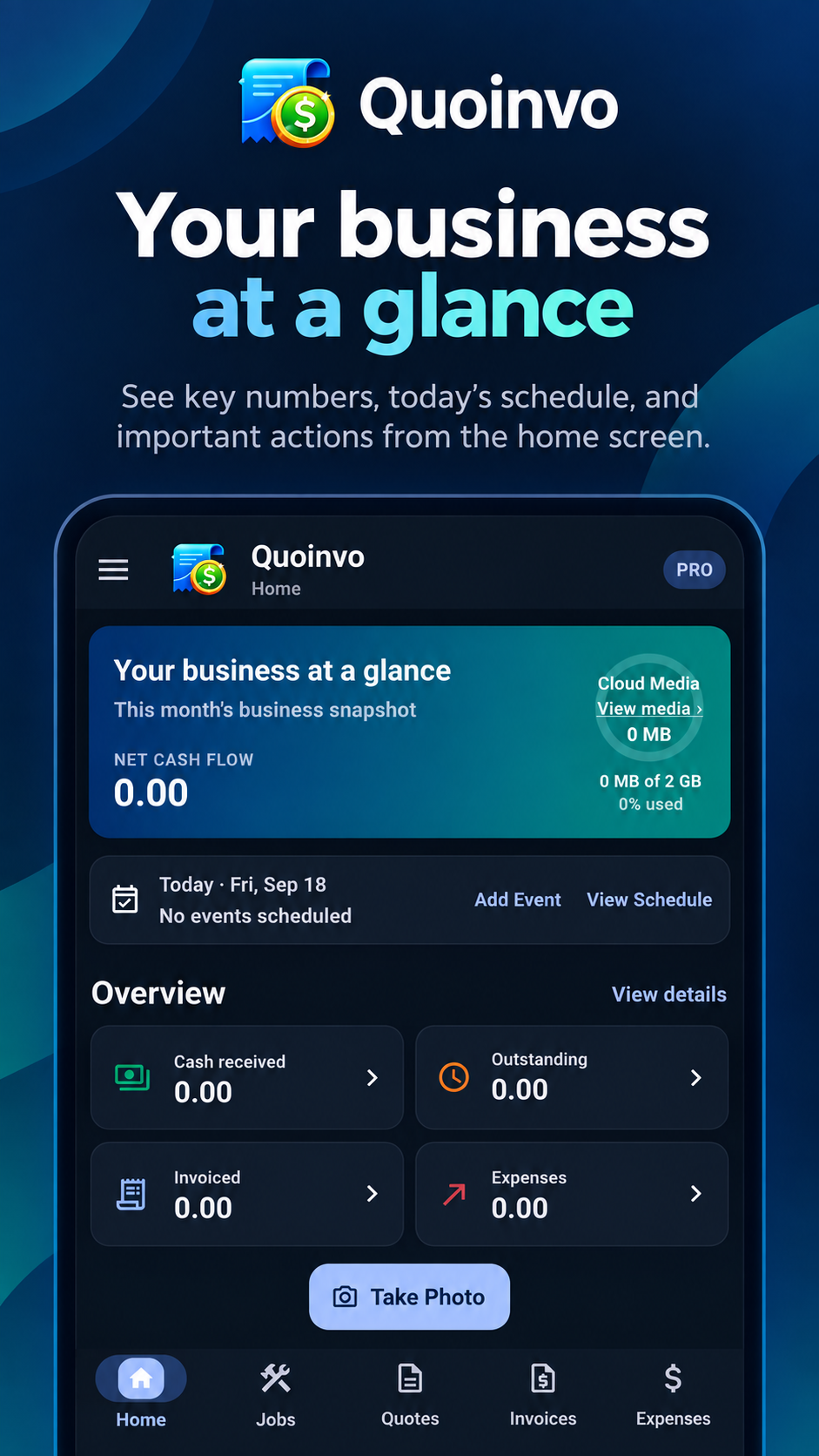
See money coming in and going out in a way that is practical for a small business.
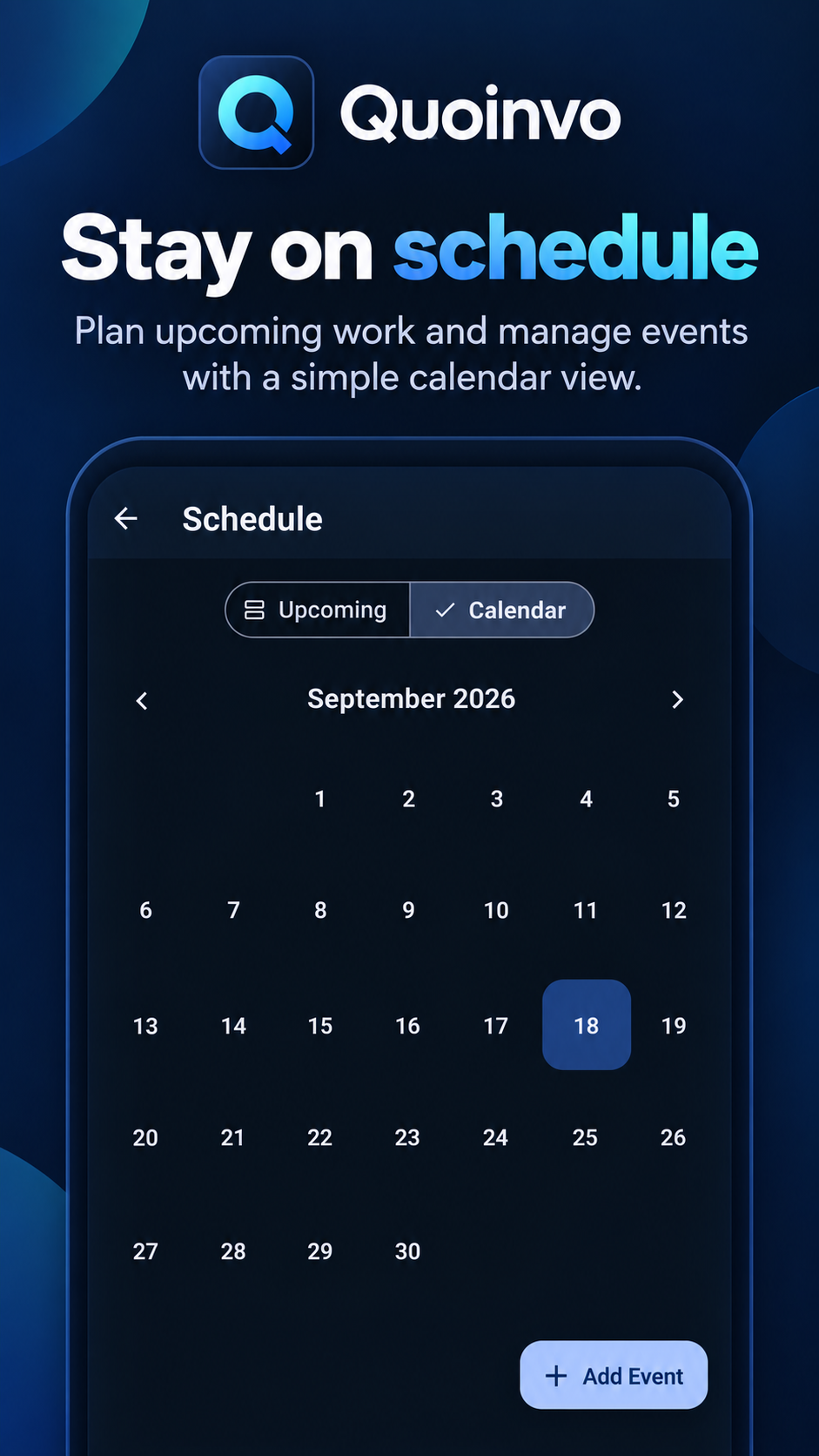
Plan appointments, jobs and events, then keep upcoming work visible from the app.
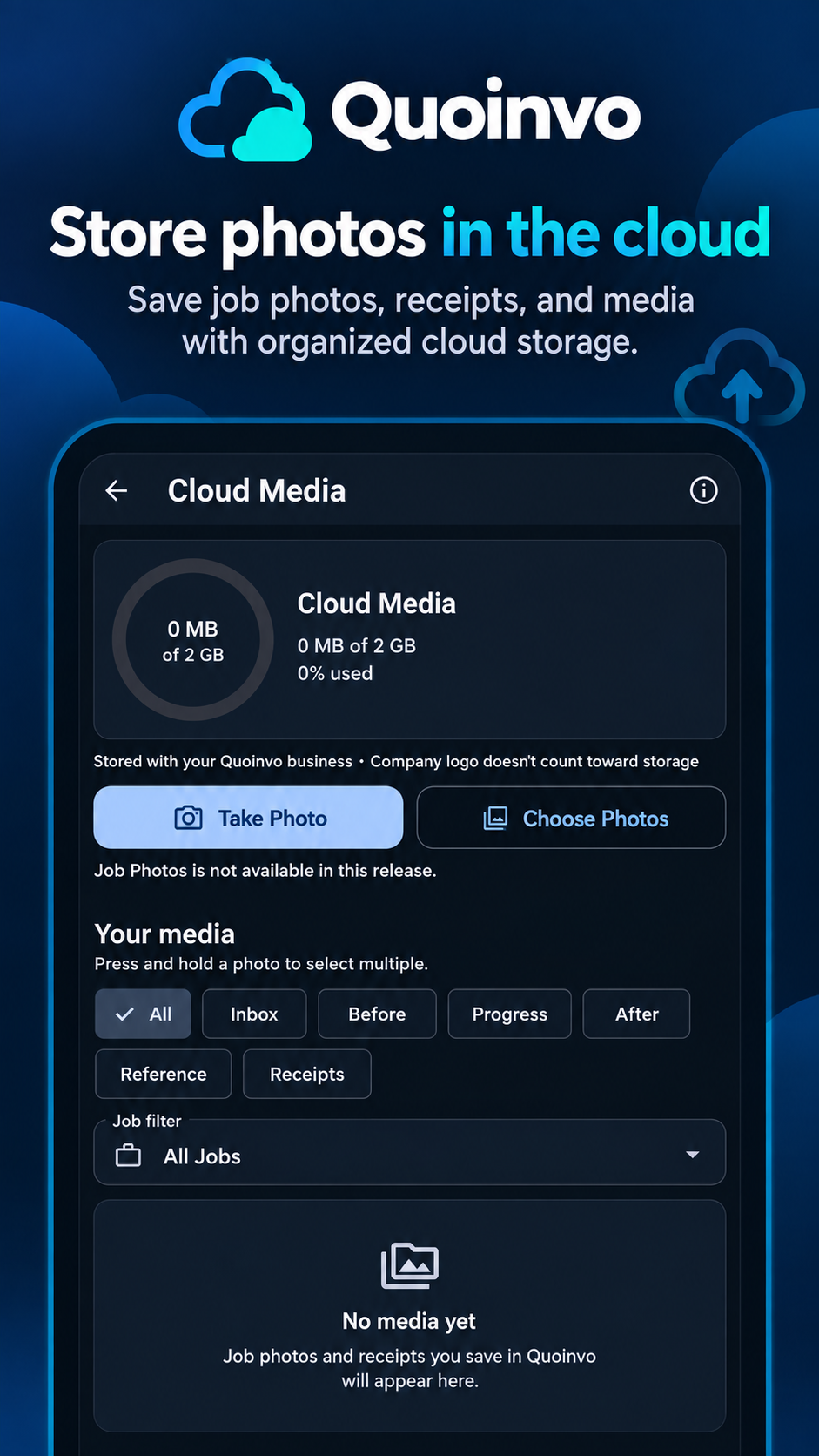
Store supported business media in Cloud Media with Premium. Job Photos is not available in this release.
Professional documents
Bring company details, your logo and a chosen document design into polished Quote and Invoice PDFs. Templates 01–02 are included with Free; Templates 03–10 are available with Premium.
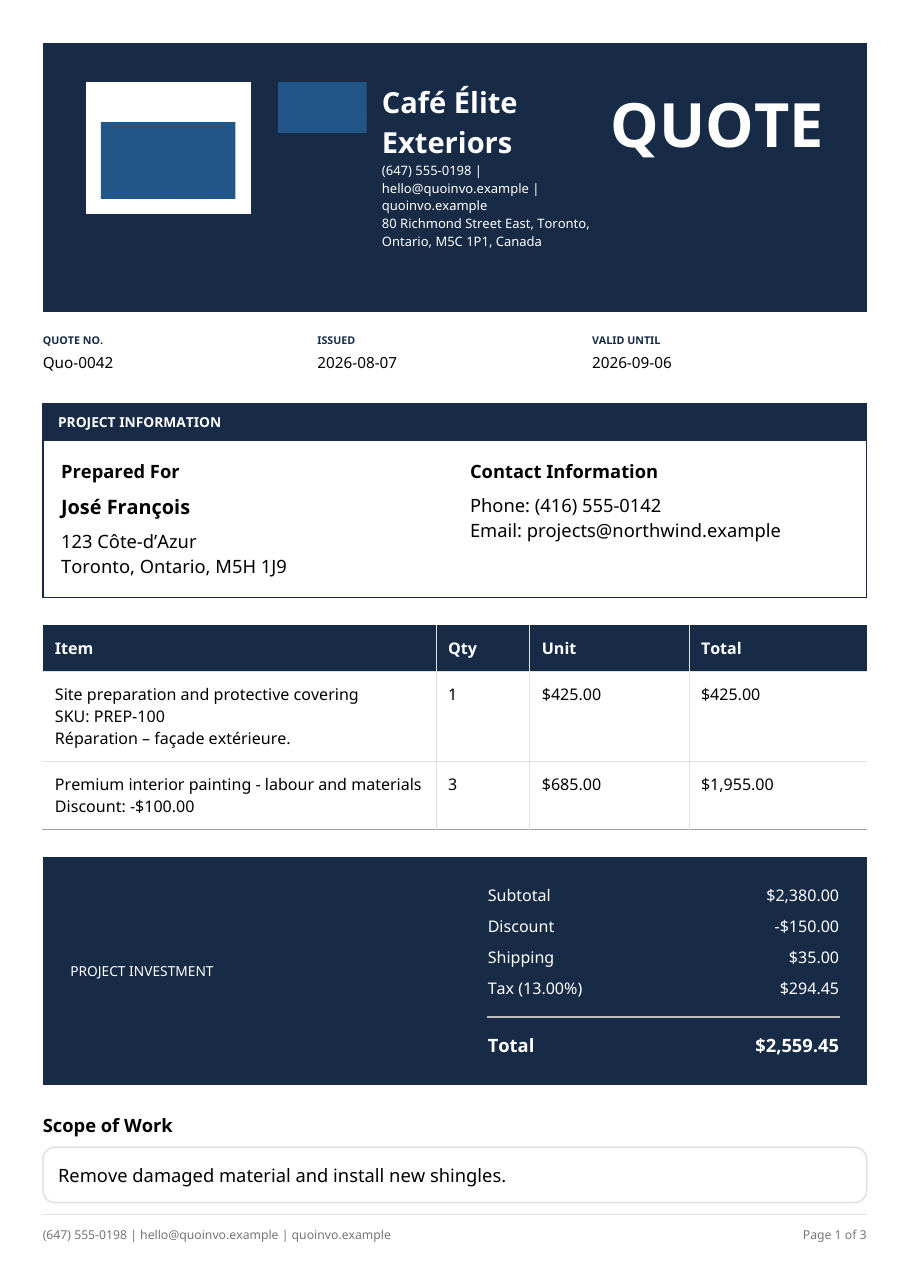
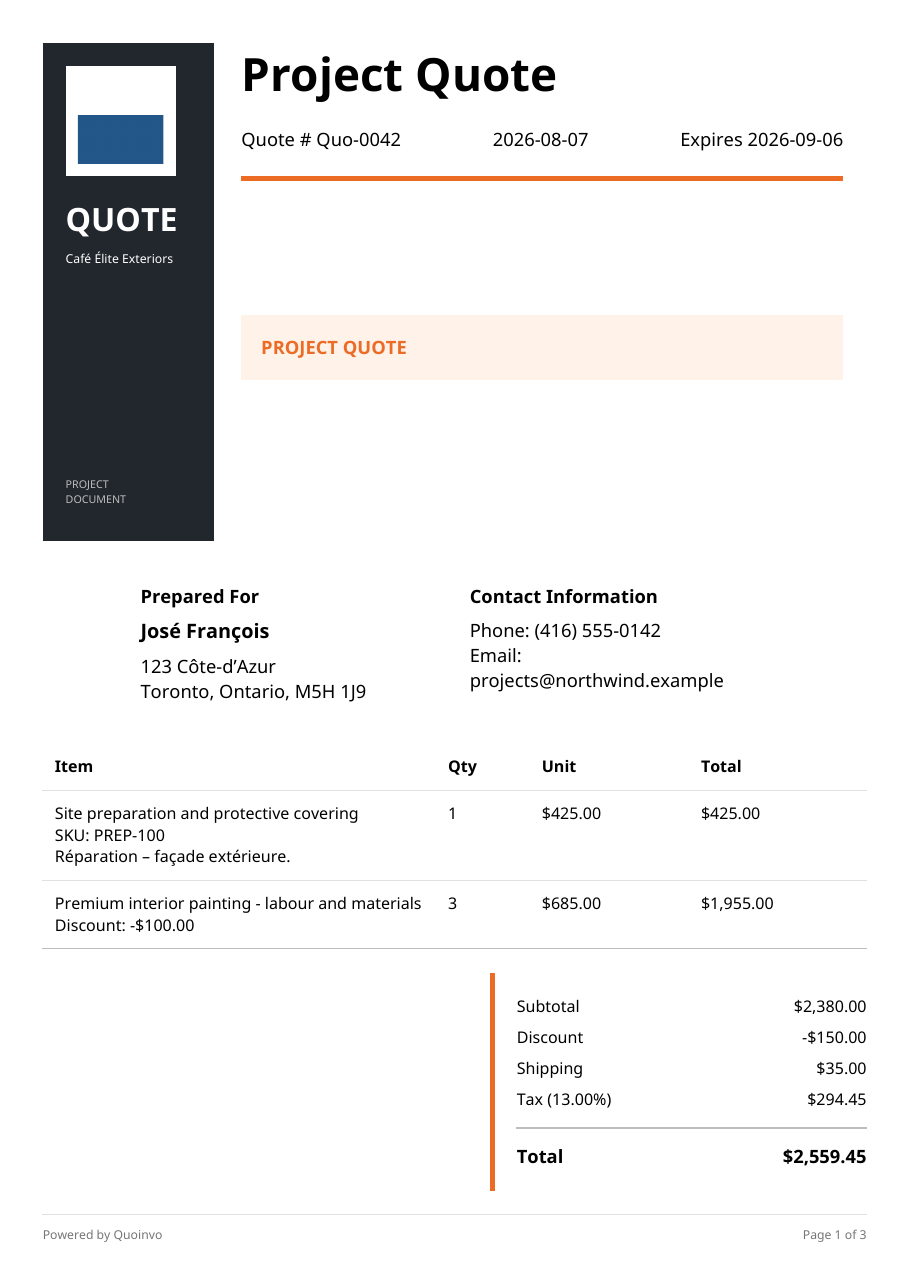
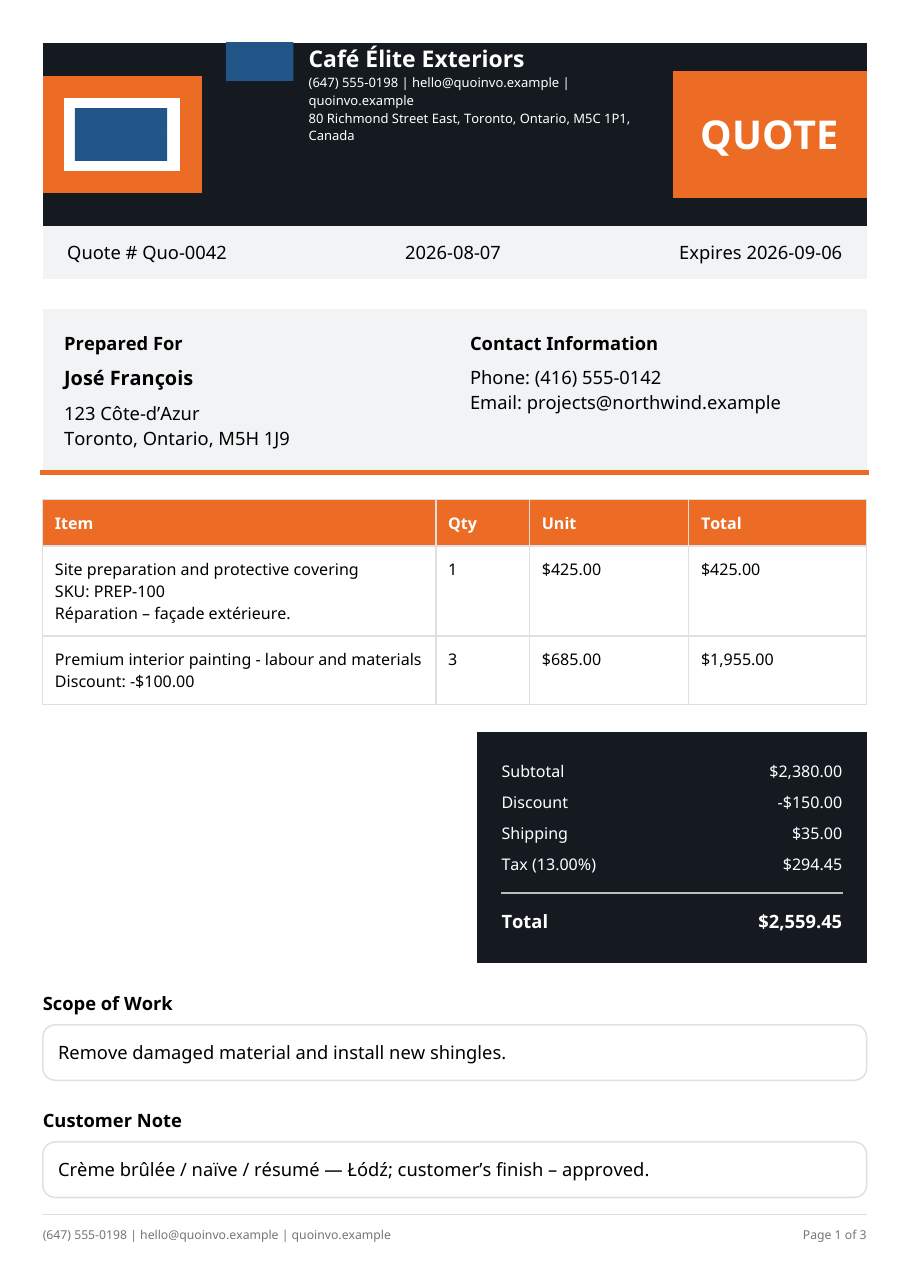
Free + Premium
Free
Quotes, invoices, customers, saved items, jobs, expenses, payments, schedule and standard company branding stay useful on Free.
Premium
Premium adds Cloud Media, more professional document template choices, job profitability, advanced analytics and cash-flow insights where available.
Premium subscription available through Google Play.
Built for the trades
Quoinvo is made for roofing, renovation, exterior contracting, handyman work and independent trade businesses. It helps keep the practical work connected without pretending to be a complicated accounting suite.
Grounded protection
Quoinvo uses authenticated accounts, protected cloud business records, secure customer document links and account-level business separation to support your daily work.
Read the Privacy PolicyQuoinvo for contractors
Run the job. Quoinvo will help organize the rest.